
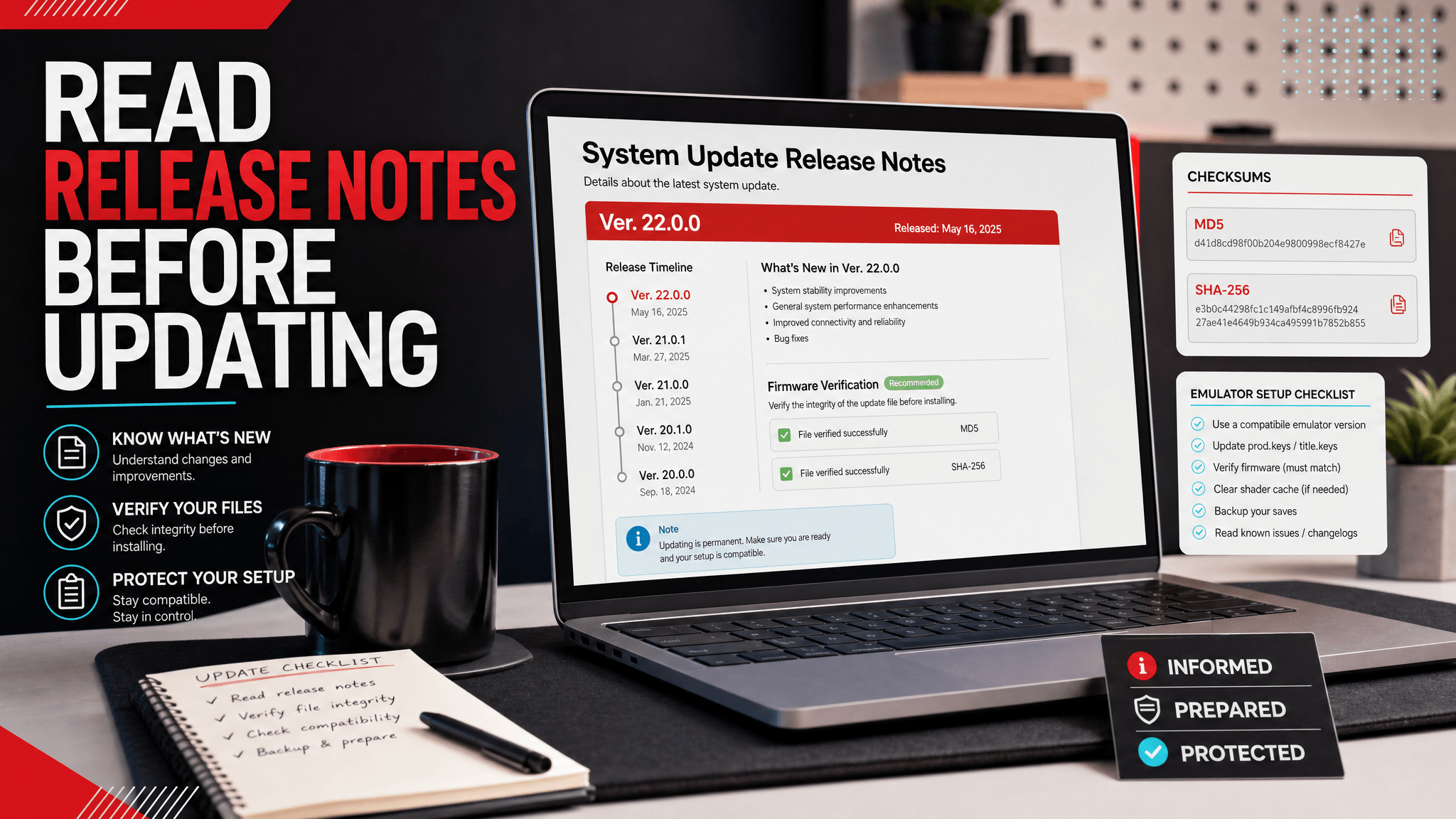
Why Firmware 21.2.0 Got Attention
Switch firmware 21.2.0 attracted attention because it looked small on the surface but created the usual wave of update questions. Nintendo's public note used familiar stability wording, Reddit users repeated the joke about "general system stability improvements," and technical discussion pointed toward updated browser-related components and system modules.
For emulator users, that combination creates a specific problem: the official note is short, community comments are noisy, and the practical question is still unanswered. Should you update? Should you wait? Does 21.2.0 matter if your setup is already working?
The useful answer is not "always update" or "ignore it." Firmware 21.2.0 should be treated as a minor but real version checkpoint. Record it, verify it, understand the kind of change it represents, and update only when your emulator workflow has a reason.
The SwitchFirmware firmware table currently lists Firmware 21.2.0 with a recorded file size of 342MB. That places it in the same size range as the 21.x firmware entries around it, including 21.1.0, 21.0.1, and 21.0.0.
What the Public Update Note Tells You
Nintendo's public update notes are designed for console users, not emulator maintainers. They usually tell you the version number, the release timing, and a high-level description. For 21.2.0, Reddit discussion around the update centered heavily on the classic phrase: general system stability improvements to enhance the user's experience.
That phrase is not useless, but it is limited. It tells you that Nintendo is not presenting the update as a major user-facing feature release. It does not tell you whether a specific emulator supports the version, whether a game update requires it, or whether your local firmware archive is complete.
This is the first rule of reading 21.2.0: use official notes as a timestamp, not as a troubleshooting diagnosis.
Official update reference: Nintendo Support: Nintendo Switch System Updates and Change History
What the Reddit Discussion Adds
The Reddit discussion around 21.2.0 is useful because it shows what users actually wonder about after a small firmware update.
The strongest theme is frustration with vague release notes. Users joked about stability because the phrase appears so often and does not explain much. One comment asked what the point of a changelog is if it does not disclose specifics. That is a fair reaction, but it does not mean the update has no technical content.
Another useful thread pointed to browser-related changes and updated system titles. The discussion mentioned browser binaries, sysmodules such as pctl and sdb, browser data, boot image packages, client certificate data, applets, and web-related library applets. Community technical notes like this can help advanced users understand that a "small" update can still touch meaningful system components.
There were also practical user concerns: black screen or HDMI handshake hopes, third-party dock compatibility, and whether updates are secretly about anti-modding. For emulator users, those console-specific concerns should not be copied directly into emulator troubleshooting. They are signals about user anxiety, not automatic evidence of an emulator issue.
Why Browser-Related Changes Matter
When a firmware update touches browser-related components, many users assume it is irrelevant unless they use a web browser. That is too narrow.
System web components can be used by applets, login flows, help pages, store-related surfaces, and embedded views. Even if an emulator user never opens a browser manually, system components can still matter for compatibility, applet behavior, or edge-case title requirements.
That does not mean firmware 21.2.0 is required for every title. It means you should avoid dismissing the update only because the public note sounds small.
A better interpretation is:
| Observation | Practical meaning |
|---|---|
| Public note says stability | Do not expect a visible feature list |
| Community notes mention browser components | Treat the update as technically real |
| Your setup already works | Do not update without a requirement |
| A title or emulator note asks for newer firmware | Consider 21.2.0 as part of a controlled test |
When 21.2.0 Is Worth Installing
Firmware 21.2.0 is worth considering when one of these is true:
- A game update or content workflow expects a newer 21.x system environment.
- An emulator guide or changelog specifically mentions compatibility around 21.2.0.
- You are maintaining a version test matrix and need to compare 21.0.0, 21.1.0, and 21.2.0.
- You need to reproduce a user report that names firmware 21.2.0.
It is less compelling when your setup is stable and your only reason is that Reddit says the update is out. The existence of a version is not the same as a requirement.
When You Should Wait
Waiting is the better choice when:
- your emulator already launches your known-good titles;
- you do not have a rollback record;
- you are changing multiple variables at once;
- you are on Android and have not confirmed storage/import behavior;
- the error you are fixing points to keys, content integrity, or graphics backend instead of firmware.
Firmware updates are easy to install and hard to reason about after the fact. Waiting until you have a clear reason is often more professional than updating immediately.
A Safe 21.2.0 Update Workflow
If you decide to test firmware 21.2.0, use a controlled workflow.
1. Record the current setup
Emulator:
Build/date:
Platform:
Current firmware:
Target firmware: 21.2.0
Private keys record:
Known-good test title:
Target title or issue:
Rollback available:
2. Verify the archive
Use the firmware version table and hash verification guide before installing. Version names and archive names are not enough.
3. Install through the emulator workflow
Use the emulator's documented firmware install method. Do not guess folders or copy random extracted files into application data paths.
4. Test a known-good title first
If a previously working title breaks immediately, stop. Do not continue testing the target game until you confirm the environment is still healthy.
5. Test the target case
Only after the known-good title works should you test the issue that motivated the update.
21.2.0 vs. 21.0.0 and 21.1.0
Many searchers compare 21.2.0 with nearby versions. The question is usually not "which number is higher?" The question is "which version combination is known to work?"
| Version | Practical role |
|---|---|
| 21.0.0 | Major 21.x baseline; useful for compatibility comparisons |
| 21.0.1 | Patch-level checkpoint after the 21.0.0 baseline |
| 21.1.0 | Intermediate 21.x version |
| 21.2.0 | Later 21.x checkpoint with public stability wording and technical component changes |
If you are troubleshooting, compare behavior across versions only one step at a time. Jumping from an old setup to 21.2.0 while also changing emulator builds and keys records creates too many variables.
What 21.2.0 Does Not Fix
Firmware 21.2.0 will not fix every common emulator problem.
It will not automatically fix:
- missing private keys files;
- wrong keys location;
- bad content dumps;
- NCA bad header errors caused by file integrity;
- Android storage permission issues;
- GPU driver crashes;
- emulator regressions;
- shader cache or config problems.
If your error message points to one of those areas, start with the relevant troubleshooting page instead of reinstalling firmware repeatedly.
Why Reddit Is Useful but Not Enough
Reddit is good at surfacing user questions quickly. It shows what people are confused about, what jokes keep repeating, and which practical worries appear after an update. For firmware 21.2.0, Reddit tells us users care about vague stability notes, black screen hopes, dock behavior, and whether hidden security changes exist.
But Reddit is not a version record. It is not a checksum source. It is not your emulator's compatibility matrix. Use it to understand questions, then verify against your own setup and trusted technical records.
FAQ
Is Switch firmware 21.2.0 a major update?
It is better treated as a minor 21.x checkpoint than a major feature release. It still deserves a version record and verification.
Should emulator users update to 21.2.0 immediately?
Not unless they have a specific reason. If your setup works and no guide requires 21.2.0, record your current setup before changing anything.
Does the stability note mean nothing changed?
No. Public stability wording can still accompany technical component changes. It simply means the public note is not a detailed technical changelog.
Is 21.2.0 related to browser components?
Community technical discussion around the update pointed to browser-related binaries and applets. Treat that as a useful clue, but still verify your own emulator requirements before updating.
Related Resources
为什么 21.2.0 值得单独看
Switch firmware 21.2.0 表面上是一个较小更新,但 Reddit 讨论显示用户仍然关心三个问题:官方 release note 只写 stability 是否有意义、浏览器相关组件是否被更新、以及模拟器用户到底要不要跟进。
SwitchFirmware 的 firmware 表格 当前记录 Firmware 21.2.0 文件大小为 342MB。它应该被记录和校验,但不应该被当成所有模拟器问题的默认修复。
实用判断
如果模拟器指南、游戏更新或复现测试明确需要 21.2.0,可以按可回退流程安装。如果当前配置稳定,并且没有明确需求,先等待更稳妥。
更新前记录模拟器构建、当前 firmware、目标 firmware、keys 记录、测试游戏和回退方案。更新后先测试一个已知可用游戏,再测试真正要解决的问题。
相关资源
Last updated: 2026-05-15