
Troubleshooting
Switch Emulator Troubleshooting Guides
Actionable troubleshooting paths for high-value long-tail issues: identify the symptom, then isolate keys, firmware, file integrity, drivers, and emulator configuration.
Start With a Version Snapshot
Most emulator errors become easier to solve when you stop changing files blindly. Before replacing keys, firmware, drivers, or emulator builds, write down the current emulator version, firmware version, keys dump date, content update version, and the exact error text.
For official system update context, use Nintendo's public Switch system update notes. For practical emulator setup, use the guides below to isolate one variable at a time.
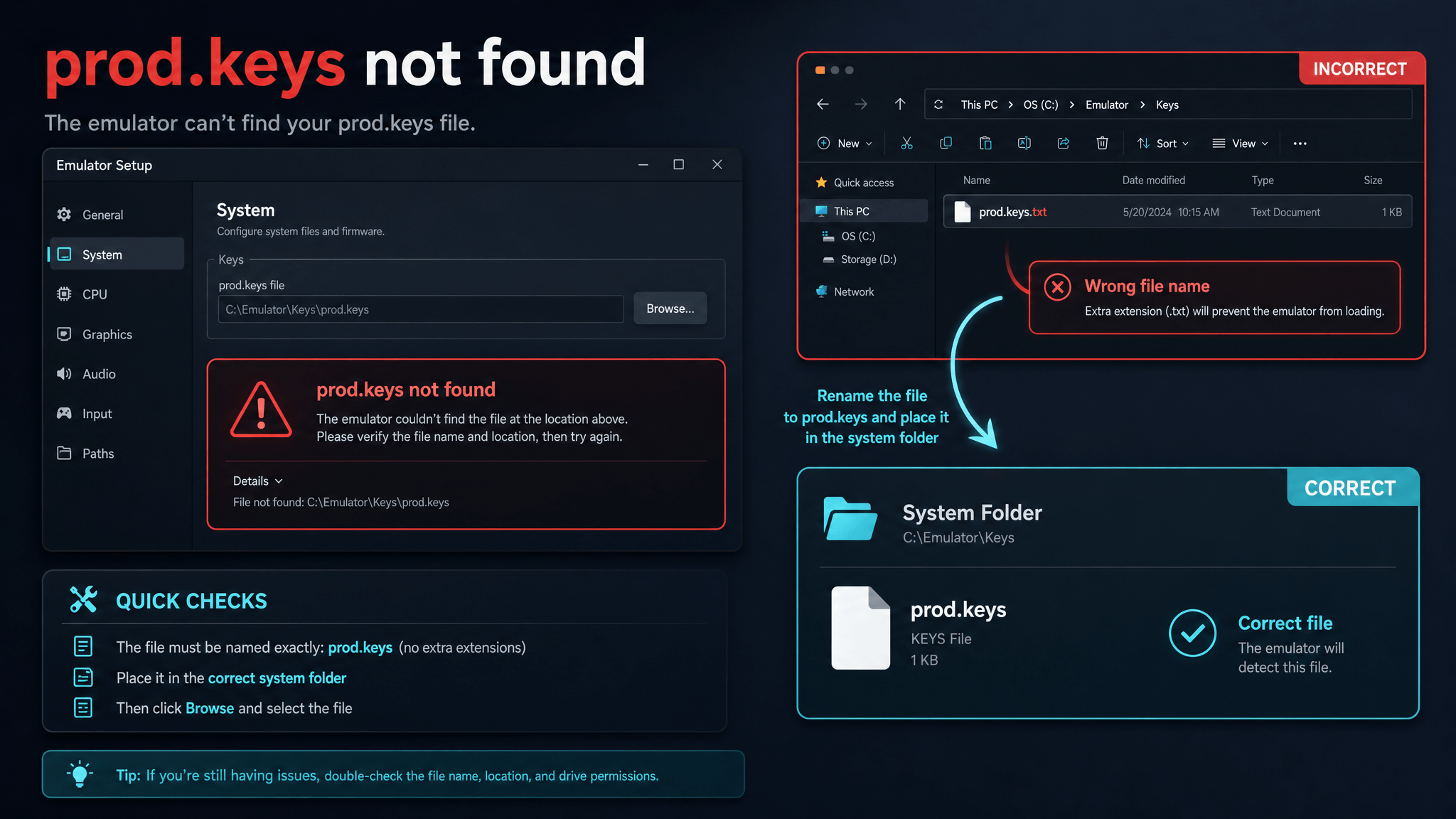
Fix Prod Keys Not Found
A checklist for the most common keys path mistakes in Ryujinx, Yuzu-family forks, and mobile emulators.
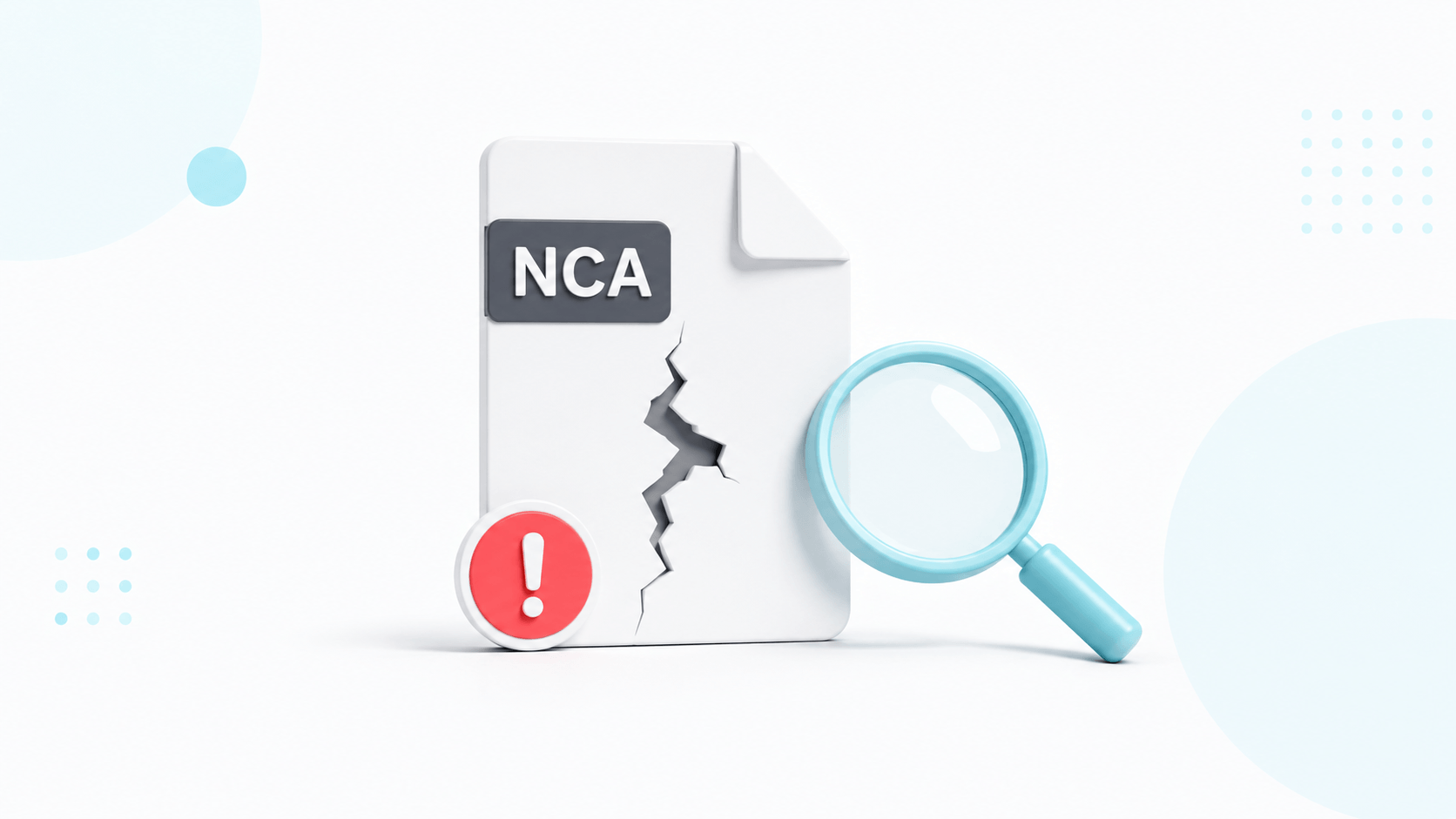
NCA Bad Header Fix
Step-by-step checks for damaged files, mismatched keys, old firmware, caches, and emulator folder paths.
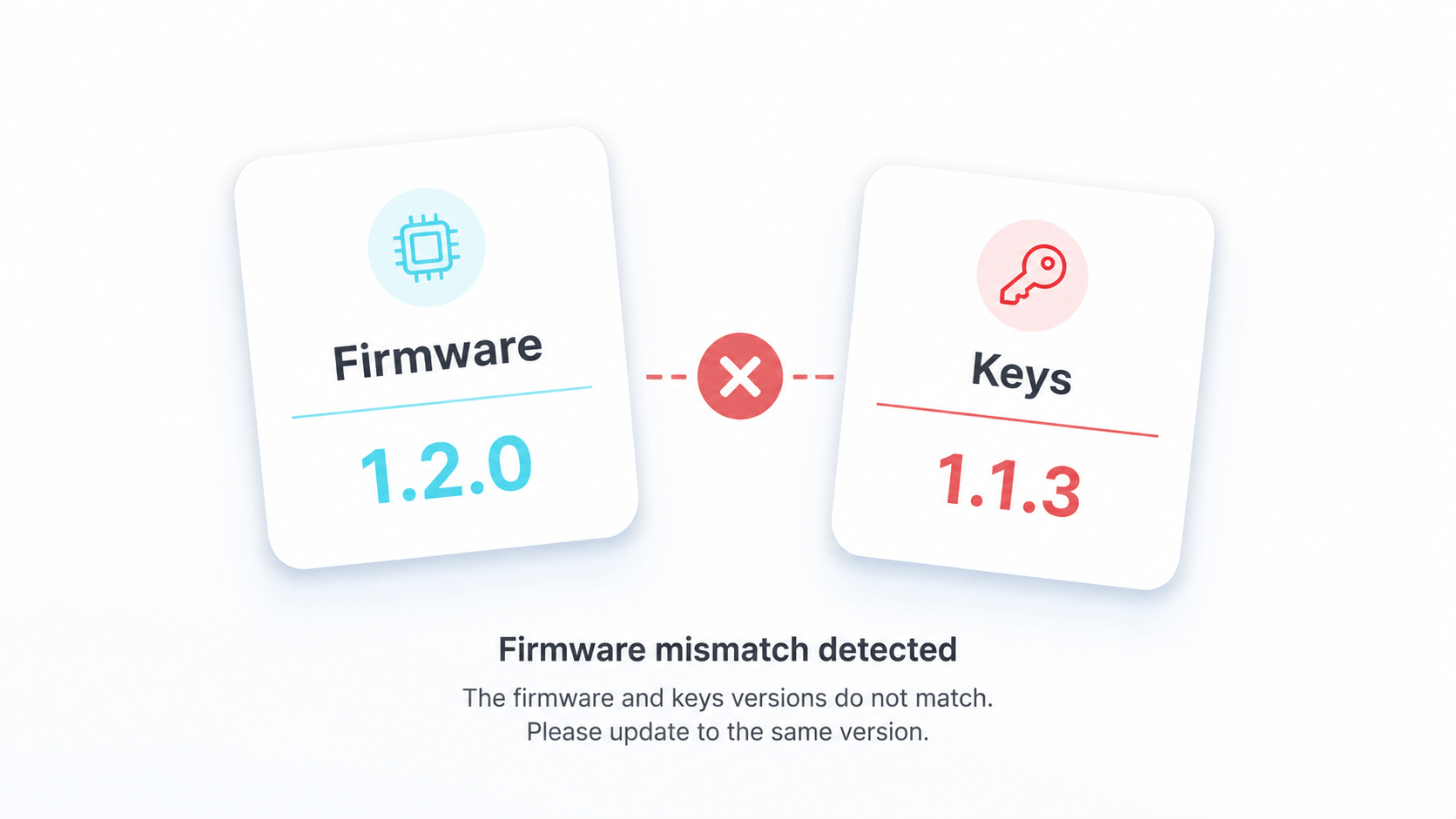
Firmware Mismatch
Use firmware version tables and rollback notes to investigate launch failures, black screens, and missing system components.
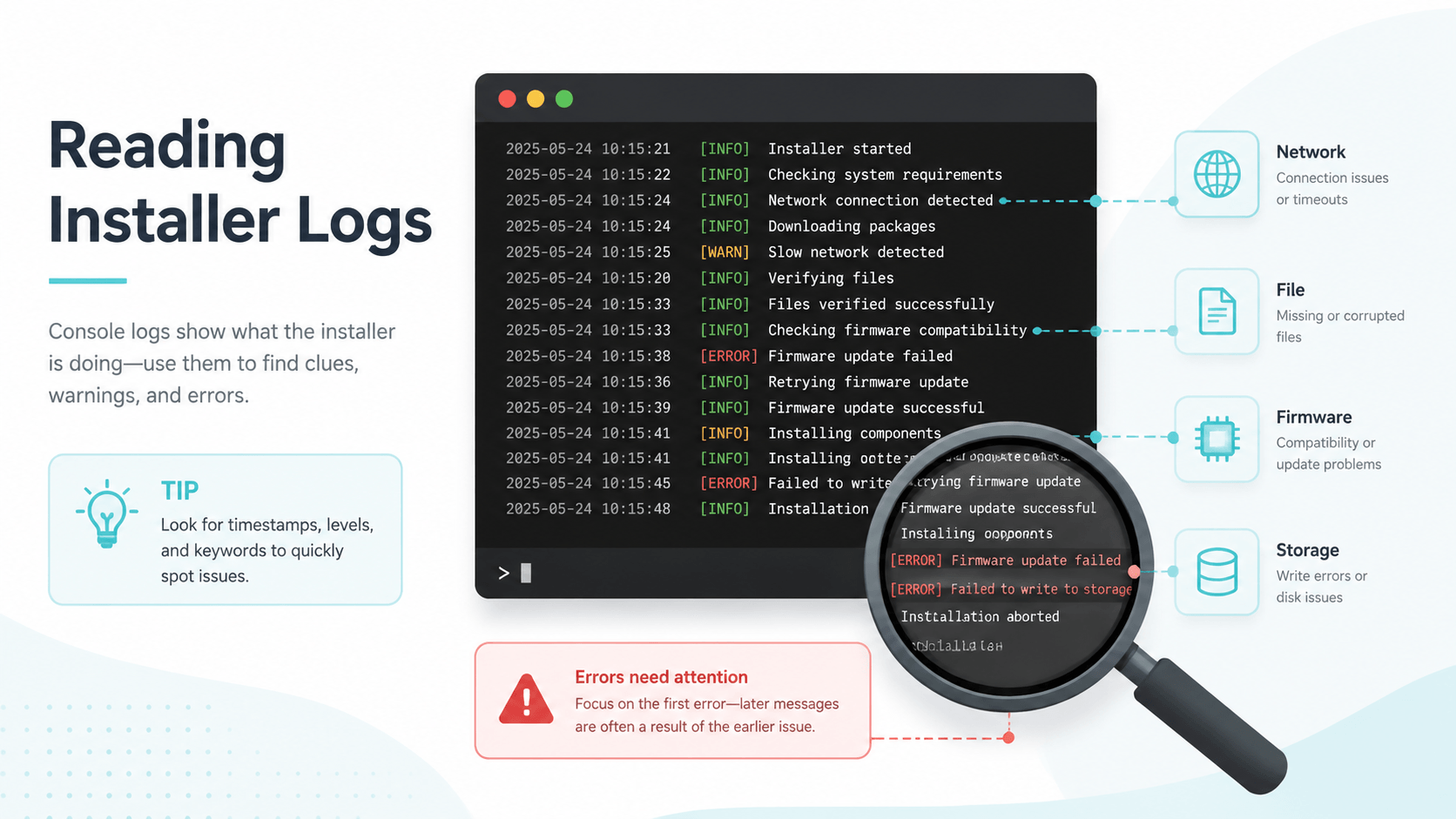
Tinfoil Console Log Errors
Map network, file, key, firmware, and storage log patterns to the right next troubleshooting step.
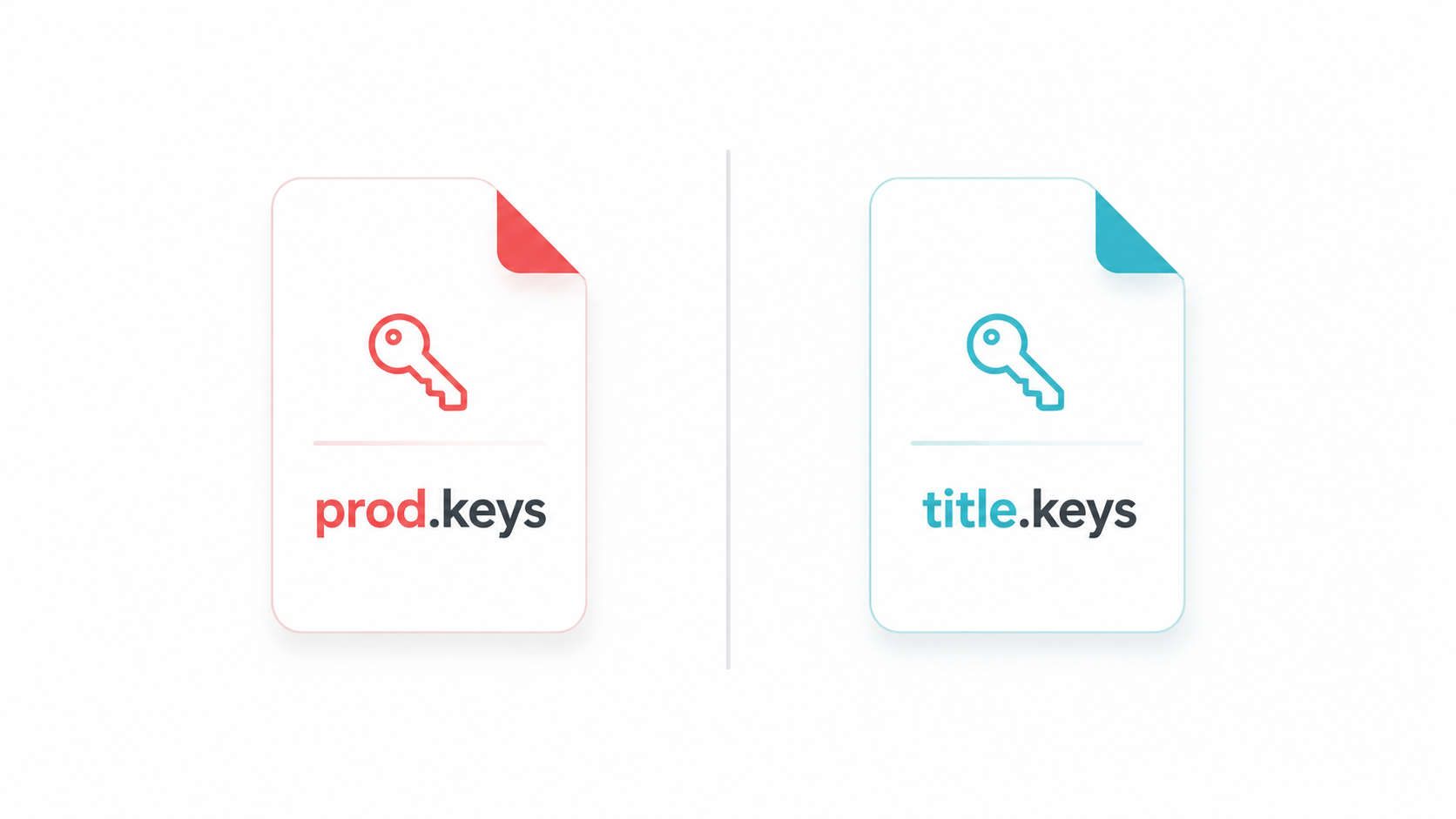
prod.keys vs title.keys
Understand which keys file an emulator is asking for before renaming or moving sensitive files.