
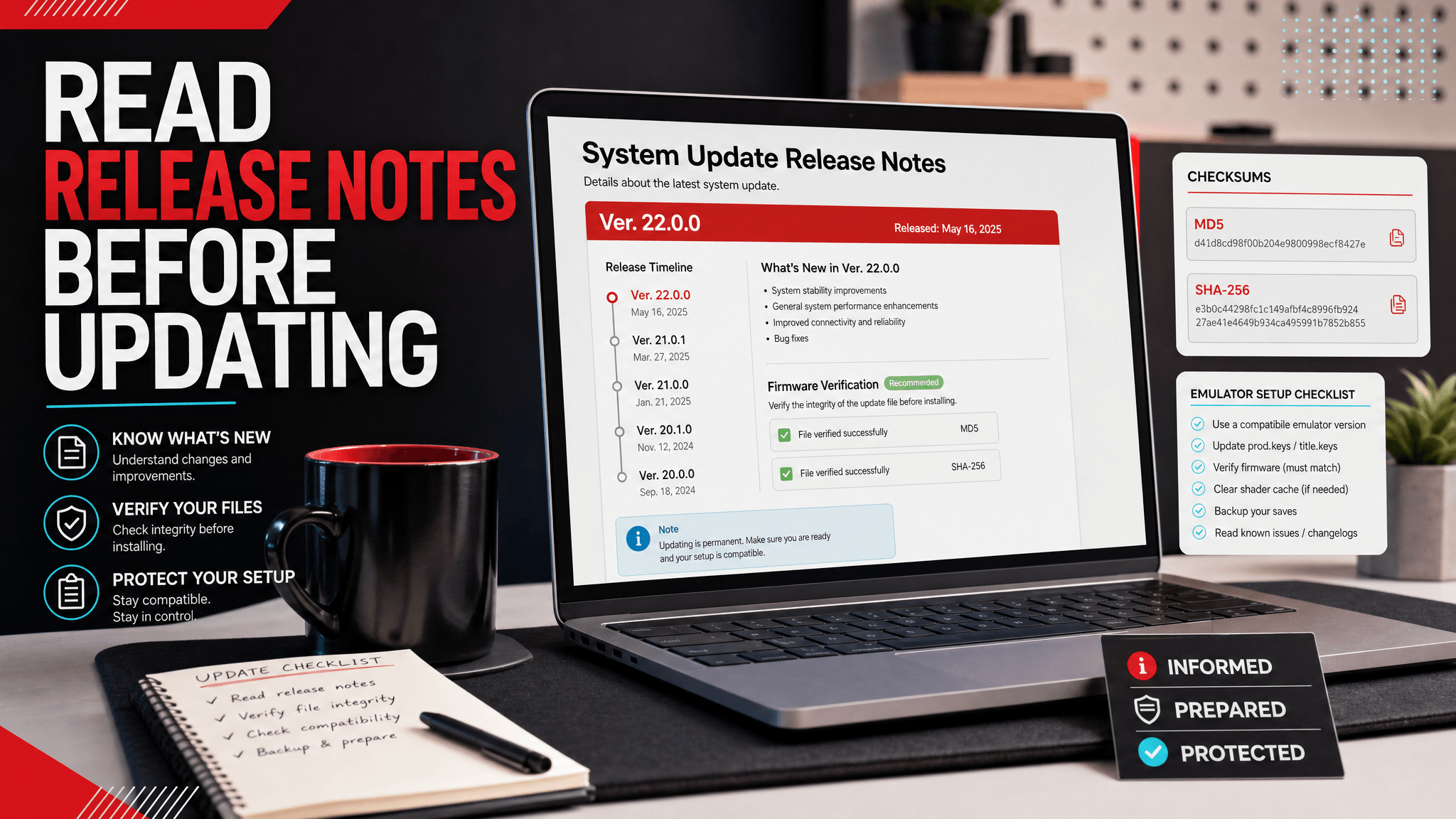
What Nintendo's Release Notes Cover
Nintendo publishes official Nintendo Switch system update release notes on its support site. The page lists recent system versions, update dates, and short descriptions of what changed. As of the official support page checked for this article, the latest listed entry is Ver. 22.1.0, released on April 7, 2026.
Official release notes are useful because they tell you when Nintendo changed the console system software and whether the update focuses on stability, user-facing features, or system behavior. They are not a full technical changelog, and they do not provide emulator setup instructions, firmware archives, hash values, or compatibility advice.
Official source: Nintendo Support: Nintendo Switch System Updates and Change History
Nintendo's wording is often intentionally brief. Many entries use phrases such as general system stability improvements or small feature adjustments. That does not mean the update is irrelevant, but it does mean emulator users should avoid over-reading the note. Treat it as an official timestamp and high-level summary, then use your own version records to decide whether an update matters for your setup.
What Release Notes Do Not Tell You
Official release notes are not emulator compatibility notes. They usually do not tell you whether a specific Ryujinx, Eden, Suyu, Sudachi, or Android build supports a firmware version. They also do not tell you whether your private keys dump is current, whether a firmware archive is complete, or whether a game update requires a newer system component.
Use them for what they are good at:
| Release notes can tell you | Release notes cannot tell you |
|---|---|
| Official version number | Whether your emulator build supports it |
| Public release date | Where to install firmware in an emulator |
| High-level user-facing change | Whether your keys and firmware match |
| Whether Nintendo changed system behavior | Whether a third-party archive is complete |
This distinction prevents a common mistake: reading a short stability note as proof that an emulator issue must or must not be firmware-related.
Why Emulator Users Should Read Them
Even if you use an emulator, the official notes are still a useful reference point. Firmware changes can affect system components, fonts, Mii data, online-service assumptions, game requirements, and how users describe compatibility problems.
When a new game or update expects a newer system version, the official release timeline helps you understand whether a firmware mismatch is plausible. It also helps separate three different questions:
- Did Nintendo release a new system version?
- Has SwitchFirmware added that version to the firmware tracking table?
- Does your emulator build support the version combination you are trying to use?
Those questions are related, but they are not the same.
For example, if Nintendo publishes a new system version on April 7, that only answers the first question. SwitchFirmware still needs to update its version table and verification fields, and emulator users still need to confirm whether their local build, keys, firmware, and content versions form a working combination.
Official Notes vs. SwitchFirmware Tables
Nintendo's page is the authoritative source for official update announcements. SwitchFirmware's firmware version table is a practical tracking resource for emulator setup: it focuses on version lists, file sizes, MD5/SHA verification fields, and internal links to emulator-specific install notes.
Use the official notes when you want to understand the public release timeline. Use SwitchFirmware when you need to organize your local setup, compare versions, verify downloads, or troubleshoot emulator errors.
Here is the practical difference:
| Need | Best source |
|---|---|
| Official release date | Nintendo release notes |
| High-level user-facing changes | Nintendo release notes |
| Firmware file size and checksum tracking | SwitchFirmware firmware table |
| Emulator install paths | SwitchFirmware emulator pages |
| Error diagnosis | SwitchFirmware troubleshooting guides |
How to Use Release Notes Before Updating
Before updating firmware in an emulator workflow, make a short version record:
- Current emulator name and build.
- Current firmware version.
- Current keys dump date.
- Target firmware version.
- Reason for updating.
Then read the official Nintendo release note for the target version. If the note only mentions general stability, you may not need to update immediately unless a game or emulator guide requires it. If the version is tied to a game requirement or system-component change, update more deliberately and keep your rollback record.
After updating, test one known-good title first. If that title fails, do not immediately assume the release note explains the problem. Check keys, firmware install status, emulator build, graphics backend, and file integrity in that order.
A Practical Reading Workflow
Use this workflow when a new system version appears:
- Read the official release note and record the version/date.
- Check whether the version appears in the SwitchFirmware firmware table.
- Verify the firmware archive before installing it.
- Save your current emulator build, firmware version, and keys dump date.
- Install firmware through the emulator's supported workflow.
- Test one known-good title.
- Only then test the game or update that motivated the firmware change.
This keeps the release note connected to real emulator behavior without pretending the official note is a full technical changelog.
When You Should Wait
Waiting is often the better choice when:
- Your current setup is stable.
- The official note only mentions broad stability language.
- Your emulator release notes do not mention the new firmware yet.
- You do not have a rollback record.
- You are testing on Android and already near the device's thermal limit.
Update when a game requires it, a guide specifically calls for it, or you are deliberately testing compatibility.
How to Record a Release Note for Emulator Use
You do not need a complex database. A small note is enough:
| Field | Example |
|---|---|
| Official version | 22.1.0 |
| Official release date | 2026-04-07 |
| Nintendo note summary | General stability / feature note |
| SwitchFirmware table updated | Yes / no |
| Firmware hash verified | Yes / no |
| Emulator tested | Ryujinx build/date |
| Result | Works / black screen / NCA / firmware mismatch |
Over time, these notes become more useful than the official changelog for your local setup because they connect public release history to actual test results.
FAQ
Does "general system stability" mean emulator users can ignore the update?
Not always. It means the public note is broad. A game, system component, or emulator workflow may still make a newer firmware relevant. Use the note as a timestamp, then check your actual requirement.
Should I update as soon as Nintendo posts a new version?
Usually no. Wait unless a game, guide, or test plan requires it. Updating without a rollback record creates unnecessary risk.
Can release notes explain NCA bad header errors?
Usually not directly. NCA bad header errors are more often about content integrity, keys/firmware pairing, firmware install state, or emulator behavior.
Why does SwitchFirmware track checksums if Nintendo already has release notes?
Because they answer different questions. Nintendo documents public system updates. SwitchFirmware helps emulator users verify files, organize version records, and troubleshoot setup problems.
Related SwitchFirmware Resources
Nintendo 官方 Release Notes 包含什么
Nintendo 会在支持网站发布官方 Nintendo Switch 系统更新 release notes。这个页面列出近期系统版本、更新日期,以及简短的变更说明。根据本文查看时的官方支持页面,当前最新列出的条目是 Ver. 22.1.0,发布日期为 2026 年 4 月 7 日。
官方 release notes 的价值在于告诉你 Nintendo 什么时候改变了主机系统软件,以及这次更新偏向稳定性、用户可见功能,还是系统行为变化。它不是完整技术 changelog,也不提供模拟器设置说明、固件归档、哈希值或兼容性建议。
官方来源:Nintendo Support: Nintendo Switch System Updates and Change History
Nintendo 的措辞通常比较简短。很多条目会使用 general system stability improvements 或小功能调整这类描述。这不代表更新无关紧要,但意味着模拟器用户不要过度解读。把它当作官方时间戳和高层摘要,再结合自己的版本记录判断是否需要更新。
为什么模拟器用户也应该看
即使你使用模拟器,官方 notes 仍然是有用的参照。Firmware 变化可能影响系统组件、字体、Mii 数据、在线服务假设、游戏版本要求,以及用户描述兼容性问题的方式。
当新游戏或更新要求较新的系统版本时,官方发布时间线可以帮助你判断 firmware 不匹配是否可能存在。它也能帮助你区分三个问题:
- Nintendo 是否发布了新的系统版本?
- SwitchFirmware 是否已经把这个版本加入 firmware 追踪表?
- 你的模拟器构建是否支持你正在尝试的版本组合?
这些问题有关联,但并不是同一个问题。
官方 Notes 与 SwitchFirmware 表格的区别
Nintendo 页面是官方更新公告的权威来源。SwitchFirmware 的 firmware 版本表 是面向模拟器设置的实用追踪资源:重点是版本列表、文件大小、MD5/SHA 校验字段,以及指向模拟器专属安装说明的内部链接。
想了解公开发布时间线时,看官方 notes。需要整理本地配置、比较版本、校验下载或排查模拟器错误时,用 SwitchFirmware。
实用区别如下:
| 需求 | 更适合的来源 |
|---|---|
| 官方发布日期 | Nintendo release notes |
| 高层用户可见变更 | Nintendo release notes |
| Firmware 文件大小和校验追踪 | SwitchFirmware firmware 表 |
| 模拟器安装路径 | SwitchFirmware 模拟器页面 |
| 错误诊断 | SwitchFirmware 排错指南 |
更新前如何使用 Release Notes
在模拟器工作流里更新 firmware 前,先做一个简短版本记录:
- 当前模拟器名称和构建版本。
- 当前 firmware 版本。
- 当前 keys 转储日期。
- 目标 firmware 版本。
- 更新原因。
然后阅读目标版本对应的 Nintendo 官方 release note。如果说明只提到一般稳定性,你未必需要立即更新,除非某个游戏或模拟器指南明确要求。如果该版本与游戏要求或系统组件变化相关,就更谨慎地更新,并保留回退记录。
更新后,先测试一个已知可用的游戏。如果这个游戏失败,不要马上认为 release note 解释了问题。按 keys、firmware 安装状态、模拟器构建、图形 backend、文件完整性的顺序排查。
什么时候应该先等等
这些情况下,等待通常更稳妥:
- 当前配置稳定。
- 官方说明只提到宽泛的稳定性。
- 模拟器 release notes 还没有提到新 firmware。
- 你没有回退记录。
- 你在 Android 上测试,而且设备已经接近散热上限。
当游戏明确要求、指南明确建议,或你有意做兼容性测试时,再更新。
相关 SwitchFirmware 资源
Last updated: 2026-05-12