
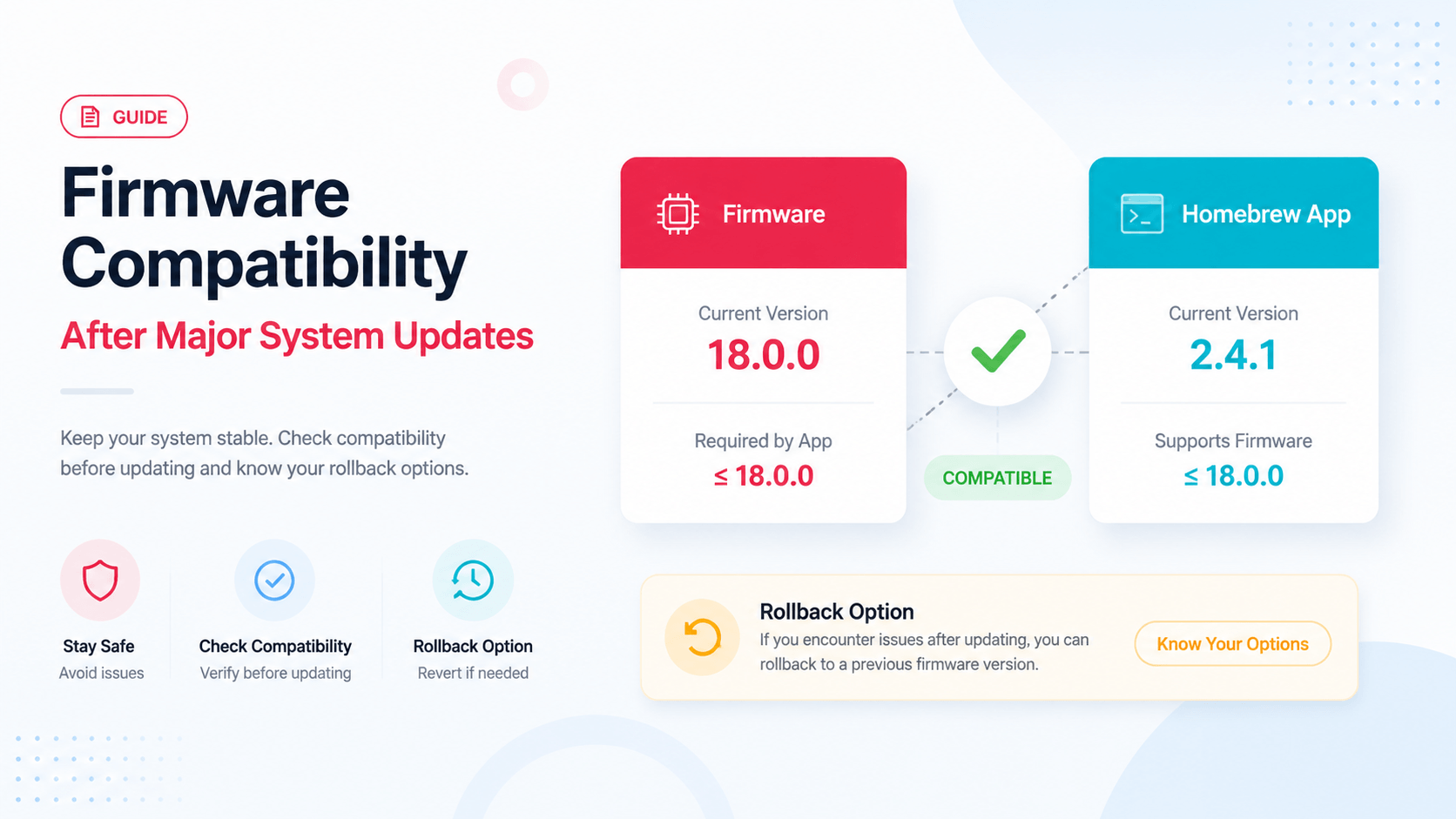
Why Major Firmware Updates Break Apps
Major Switch firmware updates can change system behavior in ways that affect homebrew apps. Sometimes an app needs an update. Sometimes the CFW layer needs an update. Sometimes patches, boot payloads, or supporting files no longer match. The visible symptom may be simple: the app closes, hangs, or reports a vague error.
The wrong response is to replace everything at once. The safer response is to identify which layer changed.
The Compatibility Stack
| Layer | What to record |
|---|---|
| Official firmware | Version installed in the environment |
| CFW | Atmosphere or other environment version |
| Bootloader/payload | Hekate/fusee or launch chain |
| App | Tinfoil, DBI, homebrew utility version |
| Patches/support files | Whether they match the CFW/firmware combination |
| Storage | SD format, free space, file health |
If any one layer is out of sync, the app may fail even though the firmware archive itself is fine.
Symptoms After a Firmware Update
| Symptom | Likely first check |
|---|---|
| App closes immediately | App version and runtime compatibility |
| App hangs on startup | Date/time, network call, config, app version |
| Install fails | File integrity, patches, firmware requirement |
| Missing keys/decryption error | Private keys path/version |
| NCA bad header | Content file, firmware/keys pairing |
| SD I/O error | SD card health and free space |
Update the Smallest Layer First
If only one homebrew app broke after a firmware update, start with that app and its documented compatibility notes. Updating the entire SD pack can fix things, but it also changes many variables and may erase custom settings.
Use this safer order:
- Record current firmware, CFW, bootloader, app version, and error.
- Check whether the app has a known update for the firmware range.
- Update the app files only if appropriate.
- Re-test.
- If still broken, check CFW/payload/support file compatibility.
- Only then consider broader SD card refresh or rollback.
When Firmware Is Not the Real Problem
Firmware gets blamed because it is visible and memorable. But app breakage can come from:
- wrong app build;
- old config files;
- bad SD card sectors;
- missing support files;
- clock/network issue;
- incorrect launch mode;
- stale cache;
- mismatched CFW and payload.
Do not skip these just because the failure started near a firmware update.
Rollback Notes
Before major updates, keep a small compatibility record:
Firmware before:
Firmware after:
CFW version:
Bootloader/payload:
Homebrew app:
Support files/patches:
First error:
Fix attempted:
Result:
Rollback available:
This is the difference between maintenance and chaos. A rollback record lets you return to a known-good combination instead of searching forums blindly.
Related Guides
为什么重大 Firmware 更新会影响 Homebrew
重大 Switch firmware 更新可能改变系统行为,导致 homebrew app 需要更新,或者 CFW、payload、patch/support files 不再匹配。表面症状可能只是应用关闭、卡住或显示模糊错误。
不要一次性替换所有东西。先判断是哪一层变了。
兼容性层级
| 层级 | 需要记录 |
|---|---|
| Official firmware | 当前环境安装的版本 |
| CFW | Atmosphere 等环境版本 |
| Bootloader/payload | Hekate/fusee 或启动链 |
| App | Tinfoil、DBI 等应用版本 |
| 支持文件/patch | 是否匹配当前 CFW/firmware |
| 存储 | SD 格式、剩余空间、文件健康 |
安全处理顺序
如果只有一个 app 在 firmware 更新后失效,先检查该 app 是否有对应更新,而不是直接刷新整个 SD 卡包。记录版本、更新最小必要层、重新测试,再考虑 CFW/payload/support file。
相关指南
Last updated: 2026-05-13