
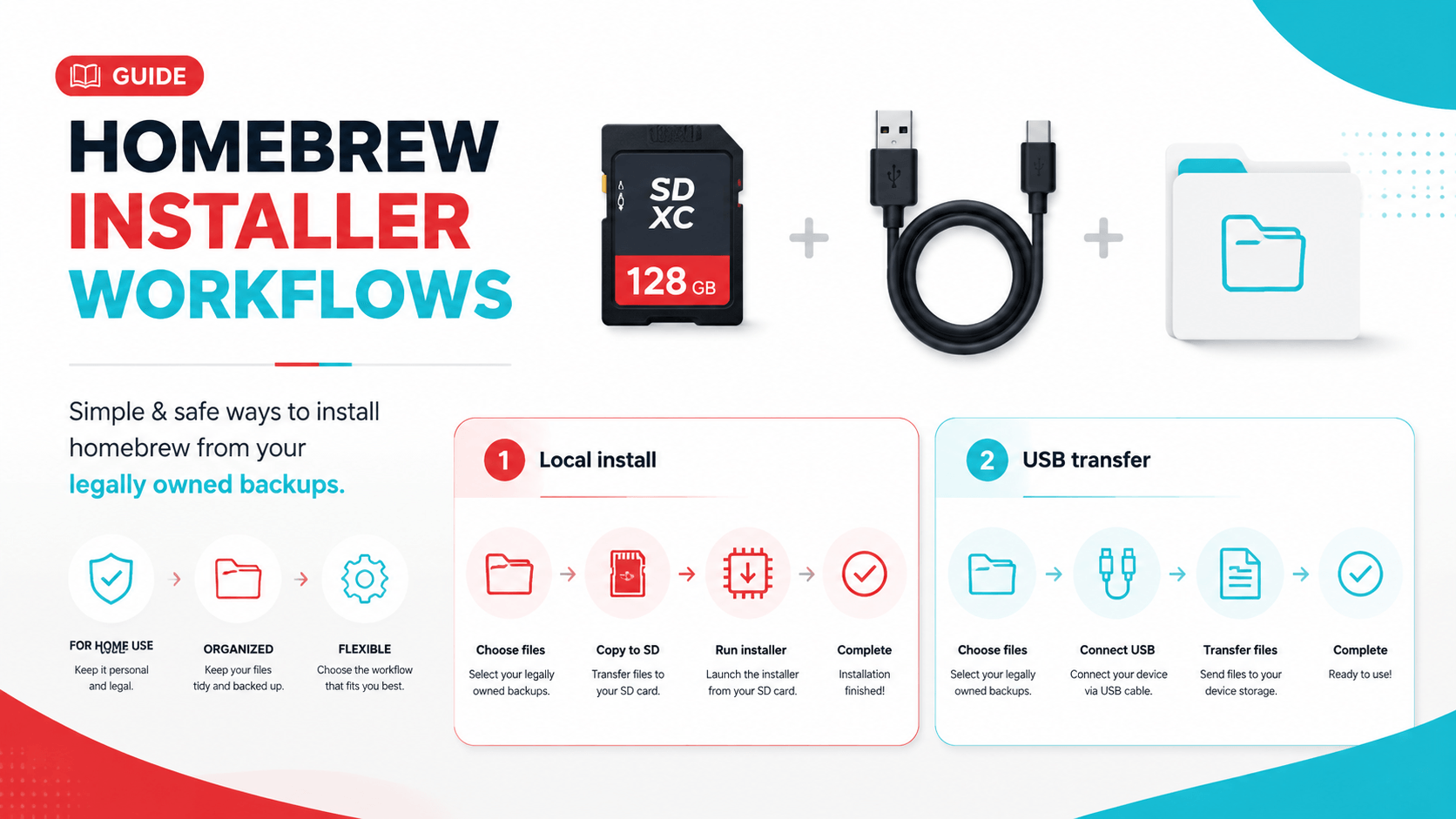
Why Installer Workflows Matter
Many Switch support questions are not really about firmware at first. A user tries to install a legally owned backup, the installer fails, and the visible error mentions NCA, tickets, keys, storage, signature checks, or firmware. The next step is often chaotic: replace keys, update firmware, update CFW, clear cache, change SD card format, and try a different installer all at once.
That is exactly what this article tries to prevent. DBI and Tinfoil-style workflows can be useful tools, but they also expose several separate failure points. If you understand the workflow, you can diagnose the right layer instead of guessing.
This article is about legal file management, homebrew troubleshooting, and firmware compatibility. It is not a guide to obtaining copyrighted content you do not own.
DBI vs. Tinfoil: The Practical Difference
| Tool style | Best use case |
|---|---|
| DBI-style local/USB workflow | Installing files you already have from a PC or SD card |
| Tinfoil-style file browser/network workflow | Managing sources, local files, and installer tasks in one app |
| Emulator workflow | Different environment; use emulator install/import tools instead |
DBI is often valued for straightforward local installation and USB/MTP transfer. Tinfoil is broader and more source-oriented. Both can fail for reasons that have nothing to do with the app itself: bad file, SD card issue, missing key material, firmware too low, wrong CFW version, or storage permissions.
The Clean Troubleshooting Model
When an installer fails, classify the problem:
| Error area | First checks |
|---|---|
| File integrity | File size, hash, copy process, source dump |
| Firmware | Required firmware version, installed firmware version |
| Keys | Private keys present, correct environment, not stale |
| Storage | SD card format, free space, I/O errors |
| Network | DNS, SSL/date-time, server availability |
| Runtime | CFW/app version compatibility |
Do not update every layer at once. The boring, careful path wins.
SD Card and FAT32 Limits
FAT32 is often recommended in Switch homebrew contexts because it is less prone to corruption than exFAT on the console. The tradeoff is the 4GB single-file limit. That limit is why USB/MTP-style workflows became popular: they avoid copying a large file to the SD card first.
If a transfer fails because a file is too large for FAT32, that is not a firmware problem. Use a supported USB transfer workflow, split-aware tool, or a documented installer method rather than reformatting or replacing firmware blindly.
USB/MTP Transfer Workflows
DBI-style MTP workflows are useful because the PC sees virtual destinations such as SD install or NAND install. The file can be sent from the PC and installed without first sitting on the SD card as a large standalone file.
For safe troubleshooting:
- Use a reliable USB-C cable.
- Avoid hubs during first tests.
- Keep enough free space on the target storage.
- Watch the installer log on the console.
- If the same file fails repeatedly, verify the file before changing firmware.
When Firmware Is Actually the Issue
Firmware matters when content expects a newer system version than the environment provides. In that case, an installer or launcher may report a firmware requirement, missing system component, or content failure.
Use this sequence:
- Confirm the file itself is valid.
- Confirm private keys are detected.
- Confirm installed firmware version.
- Update firmware only if the requirement is clear.
- Test one known-good title after updating.
The newest firmware is not automatically the best firmware for every setup. It should be installed because a workflow requires it, not because a vague installer error appeared.
Network Sources and Shops
Some Tinfoil-style workflows use network locations. From a safety and compliance standpoint, be careful. A URL being reachable does not mean the content is lawful, complete, safe, or relevant to your setup. Network errors can also be boring infrastructure problems: DNS, expired certificates, wrong date/time, unavailable host, or authentication.
If a network source fails, do not treat that as a firmware issue. Read the log and classify the error:
| Log symptom | Likely area |
|---|---|
| Cannot resolve host | DNS/network |
| Certificate validation failed | Date/time or server certificate |
| 404 | Missing file on server |
| 403/401 | Access denied |
| Timeout | Server or Wi-Fi reliability |
Best Practices
- Use legal backups and files you are entitled to manage.
- Keep SysNAND/EmuNAND context clear when working on console.
- Prefer FAT32 for SD stability when following homebrew guides.
- Verify files before blaming keys or firmware.
- Keep installer app, CFW, and firmware versions in separate notes.
- Change one variable at a time.
Related Guides
为什么安装器工作流重要
很多 Switch 支持问题表面上是安装器失败,实际上可能是文件损坏、firmware 太旧、keys 不匹配、SD 卡问题、网络错误或 CFW/app 版本不兼容。DBI 和 Tinfoil 这类工具很有用,但它们也会暴露很多不同层的问题。
本文只讨论合法文件管理、homebrew 排错和 firmware 兼容性,不提供获取未授权内容的指导。
DBI 与 Tinfoil 的实用区别
| 工具风格 | 更适合 |
|---|---|
| DBI/USB 本地工作流 | 从 PC 或 SD 卡安装已有合法文件 |
| Tinfoil 文件浏览/网络工作流 | 管理来源、本地文件和安装任务 |
| 模拟器工作流 | 完全不同,应使用模拟器自己的安装/导入工具 |
排错模型
安装失败时,先判断属于哪一层:文件完整性、firmware、keys、存储、网络,还是运行环境。不要同时更新 firmware、keys、CFW、安装器和驱动,否则无法判断真正修复点。
FAT32 和大文件
FAT32 稳定性较好,但单文件有 4GB 限制。遇到大文件限制时,这不是 firmware 问题。应使用受支持的 USB/MTP 传输或安装器工作流,而不是盲目重装 firmware。
相关指南
Last updated: 2026-05-13